
Cookies Internet in 2026: What Browser Cookies Do, What They Track, and When Consent Matters
A useful guide to cookies internet should help readers understand both the rule and the behavior behind the rule. That is where consent topics become genuinely practical instead of sounding like recycled compliance copy.
The practical review for cookies internet starts when you look past the banner copy and test the live behavior. That is usually where teams find the real gaps: tags firing too early, weak refusal flows, and settings that drift after routine site changes.
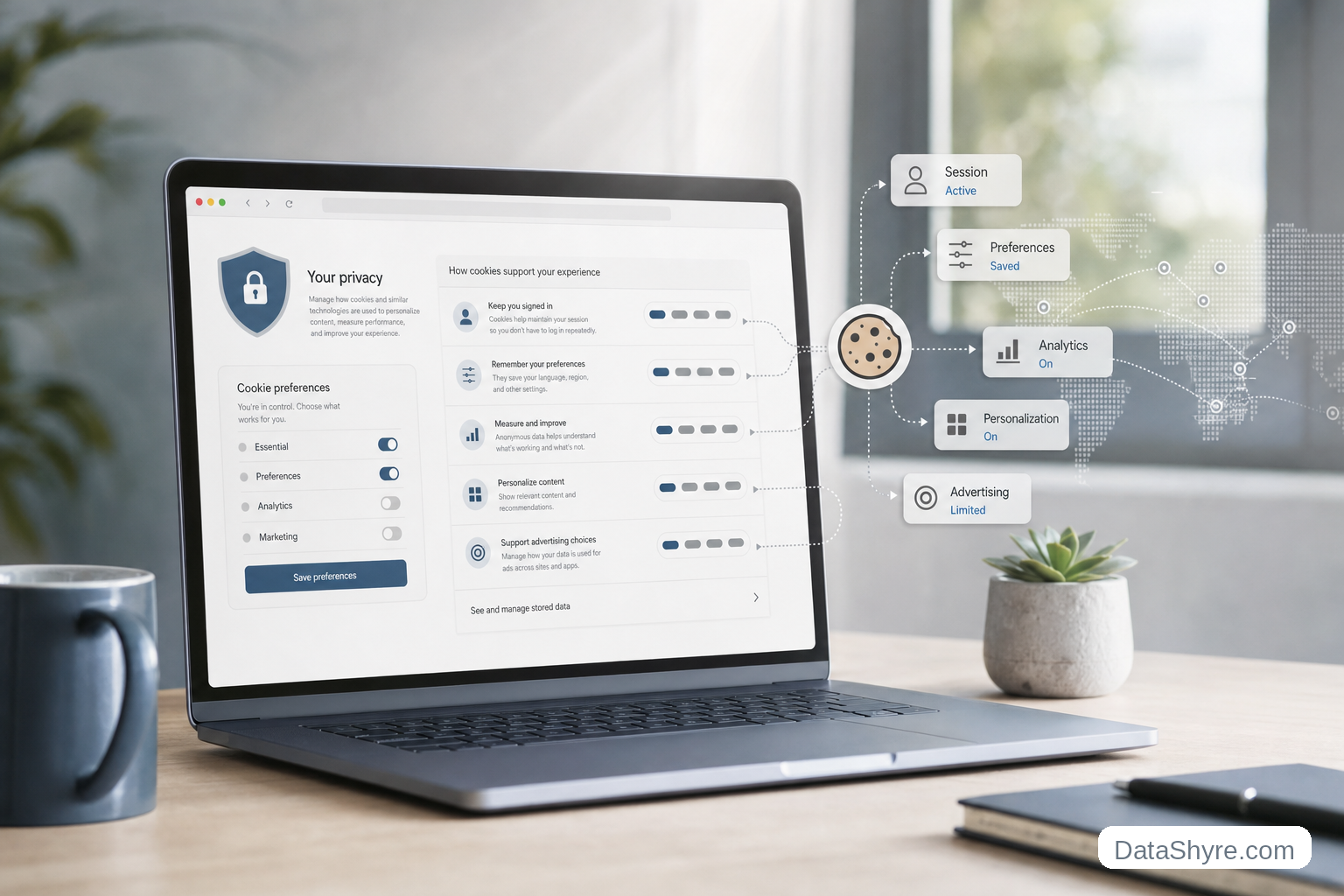
Cookies still help websites keep you signed in, remember preferences, and preserve a shopping cart between pages. But the live privacy question now is broader than classic browser cookies alone. The FTC’s consumer guidance says websites and apps may track people online with cookies, pixels, and device fingerprinting. The ICO’s final Storage and Access Technologies guidance, published on April 29, 2026, also makes clear that current compliance work covers cookies, tracking pixels, device fingerprinting, scripts, tags, and related technologies. And on October 22, 2026, France’s CNIL fined FNAC DARTY companies 7 million euros over cookie and tracking-device failures in a mobile-app context.
So the useful cookies internet question in 2026 is not only What is a cookie?
It is:
- what the cookie actually does;
- whether it is necessary or optional;
- whether another company gets access to the resulting data;
- whether the user has to opt in or can opt out under the relevant law; and
- whether the live site really changes behavior after the user makes a choice.
If you want the companion explainers first, start with what is cookie consent, cookie consent requirements, and website privacy checker. This page stays focused on cookies internet at the browser level and on the practical privacy review that should follow.
If your team is trying to get cookies internet under control without adding a heavyweight privacy stack, DataShyre can help. DataShyre focuses on consent and preference management that are easier to implement, easier to operate, and easier to trust on a live site. Start with DataShyre’s consent and preference management or book a demo.

1. What internet cookies actually do
At the technical level, a browser cookie is a small piece of data a server sends to the browser and receives back with later requests.
That simple mechanism is why cookies became so common across the internet.
They help a site:
- keep a user signed in;
- remember language or privacy preferences;
- hold cart contents during a shopping session;
- recognize returning visits;
- support analytics; and
- support advertising or cross-site measurement.
The important thing is that not all of those uses carry the same privacy risk.
For cookies internet questions, I would split them into three broad groups:
- session or security cookies that help the site function;
- preference cookies that remember a setting the user expects; and
- analytics, advertising, or profiling cookies that go beyond basic service delivery.
That third group is where most privacy and consent problems start.
2. First-party versus third-party is useful, but purpose matters more
People often explain cookies internet by dividing cookies into first-party and third-party types.
That is still useful, but it is not the whole answer.
A first-party cookie is generally associated with the site the user is visiting. A third-party cookie is associated with a different site or service. The FTC’s consumer guidance explains the practical effect clearly: when the site you visit tracks you, that is first-party tracking, and when it lets another company track you, that becomes third-party tracking.
That distinction matters because third-party tracking can follow people across multiple sites.
But the ICO’s current guidance makes an important additional point: whether a technology is labeled first-party or third-party is not the main legal question by itself. What matters most is who is responsible for the storage or access on the device and what purpose that storage or access serves.
That changes the review.
For cookies internet, do not stop at Is this cookie first-party?
Also ask:
- what exact function does it perform;
- does it support security or only measurement;
- does it enable cross-site profiling;
- which vendor receives the resulting data; and
- would the site still work for the user without it.
3. Cookies are now part of a broader tracking stack
This is one of the easiest places for older articles about cookies internet to fall behind.
The old model treated cookies as the whole discussion.
The current regulator model is wider.
The ICO’s finalized 2026 guidance expressly covers:
- cookies;
- tracking pixels;
- link decoration and navigational tracking;
- device fingerprinting;
- web storage; and
- scripts or tags.
The FTC’s consumer page uses the same broader frame for ordinary readers, explaining that websites may track people with cookies, pixels, or device fingerprinting.
That means a site can look cleaner from a classic cookie-table perspective while still doing more tracking than the user expects.
So if someone asks me about cookies internet, I would not only inspect named cookies in the browser. I would also inspect:
- network requests before consent;
- tag-manager behavior;
- embedded video, chat, and social widgets;
- local storage or other client-side persistence; and
- whether vendors start receiving data before the user has made a real choice.
4. When consent matters and when the rule changes by region
This is where many teams get confused.
There is no single worldwide cookies internet rule.
EU and UK: non-essential tracking usually needs prior permission
The European Commission’s current consent guidance still says valid consent must be freely given, informed, specific, clear, and given through an affirmative act. It also says the request must use clear and plain language and that withdrawing consent must be as easy as giving it.
For EU or UK-facing sites, that usually means optional analytics, ad-tech, and similar tracking technologies cannot simply start running by default and hope the user finds a settings link later.
California: the question often shifts from opt-in to opt-out and signal handling
California is different.
The California Department of Justice says businesses that sell personal information must provide a clear and conspicuous “Do Not Sell or Share My Personal Information” link, and it also says users can submit opt-out requests through a user-enabled Global Privacy Control signal. The notice at collection must be provided at or before the point of collection and must describe categories of data and purposes.
So for California-facing cookies internet workflows, the practical question is often not Do we show an EU-style banner?
It is:
- do we give the right notice at collection;
- do we provide the required opt-out path if sale or sharing is in scope;
- do we honor GPC where required; and
- do downstream advertising or sharing behaviors actually change.
This is why copied banner designs can fail even when the interface looks modern.
5. Secure cookie configuration still matters for the non-marketing branch
Not every cookies internet problem is about consent.
Some are basic security problems.
If a cookie is being used for authentication or session continuity, the security attributes matter a lot. Current browser guidance still points teams toward HTTPS-only handling and reduced script access for sensitive cookies. In real deployments, session-related cookies should usually be reviewed for:
Secure, so they are sent over HTTPS;HttpOnly, so browser-side JavaScript cannot read them directly;- a deliberate
SameSitesetting; - limited scope across domains and paths; and
- shorter lifetimes where the risk profile is higher.
This is the branch many non-privacy teams recognize first.
But it belongs in the same review as privacy choices because a site can be weak in both directions at once: it can over-collect on the marketing side while under-protecting on the session side.
6. What users can do if they want less tracking
The useful consumer answer to cookies internet is not delete everything and hope for the best.
The FTC’s current advice points to more practical steps:
- clear cookies and browsing history if you want to reduce ad-based memory from prior visits;
- review browser privacy settings;
- use available settings that limit personalized ads;
- review cookie notices and choose the level that fits your preferences; and
- remember that choices may need to be made per browser or device.
That is worth spelling out because many people think rejecting a banner once solves tracking everywhere.
Usually it does not.
Cookies are often browser-specific, device-specific, or site-specific, and other technologies may still operate outside the narrow cookie label.
7. How I would review cookies on a live site this week
The best cookies internet review is not a legal memo and not a cookie scan alone.
It is a runtime check.
I would use this order:
- list the cookies and other storage or access technologies that appear before any user action;
- separate necessary, preference, analytics, advertising, and social or embedded-media uses;
- identify which vendors receive data and which tools write identifiers;
- test what changes after
Reject all,Accept all, category-level choices, and later withdrawal; - test California opt-out and GPC behavior if sale or sharing is in scope;
- review session and security cookies for
Secure,HttpOnly, and sane scope; - compare the live findings against the privacy policy and notice at collection; and
- keep evidence so the result can be checked again after the next release.
That order tends to surface the real gaps faster than a banner redesign by itself.

A plain-English answer
If someone asks for the shortest practical answer to cookies internet, I would put it like this:
Internet cookies are small browser data records that help websites remember state, but in 2026 they sit inside a broader online-tracking environment that may also include pixels, tags, fingerprinting, and other storage or access technologies.
This is why the real question is not only what a cookie is.
It is whether the data use is necessary, who receives the data, what legal rule applies in that region, and whether the site’s live behavior matches the choice or notice shown to the user.
FAQ
Are all internet cookies bad?
No. Some cookies are useful and expected, especially for login sessions, security, language settings, and shopping carts. The higher-risk branch is usually optional analytics, advertising, personalization, or cross-site tracking.
Do all cookies require consent?
No. The answer depends on the cookie’s purpose and the legal regime that applies. EU and UK rules usually focus on prior permission for non-essential tracking. California often turns more on notice, opt-out rights, and Global Privacy Control where sale or sharing is involved.
Are cookies the only way websites track people?
Seen clearly, cookies internet is less about a pop-up and more about whether the site behaves honestly after the visitor makes a choice.
Sources
- FTC Consumer Advice, How Websites and Apps Collect and Use Your Information: https://consumer.ftc.gov/articles/how-websites-and-apps-collect-and-use-your-information
- ICO, Final storage and access technologies guidance published: https://ico.org.uk/about-the-ico/media-centre/news-and-blogs/2026/04/final-storage-and-access-technologies-guidance-published/
- ICO, Guidance on the use of storage and access technologies: https://ico.org.uk/for-organisations/direct-marketing-and-privacy-and-electronic-communications/guidance-on-the-use-of-storage-and-access-technologies/
- ICO, What are storage and access technologies?: https://ico.org.uk/for-organisations/direct-marketing-and-privacy-and-electronic-communications/guidance-on-the-use-of-storage-and-access-technologies/what-are-storage-and-access-technologies/
- European Commission, Legal grounds for processing data: https://commission.europa.eu/law/law-topic/data-protection/information-business-and-organisations/legal-grounds-processing-data_en
- California Department of Justice, California Consumer Privacy Act (CCPA): https://oag.ca.gov/privacy/ccpa
- CNIL, Cookies and mobile application: 7 million euros fine against FNAC DARTY PARTICIPATIONS ET SERVICES and FNAC DIRECT: https://www.cnil.fr/en/sanction-app-cookies-fnac
- MDN, Using HTTP cookies: https://developer.mozilla.org/en-US/docs/Web/HTTP/Guides/Cookies
- MDN, Third-party cookies: https://developer.mozilla.org/en-US/docs/Web/Privacy/Guides/Third-party_cookies
Published: October 29, 2026. Updated using current official regulator, government, and browser-documentation materials available at publication time.