
Computer Cookies in 2026: What They Do, When to Clear Them, and 7 Privacy Checks
A useful guide to computer cookies should help readers understand both the rule and the behavior behind the rule. That is where consent topics become genuinely practical instead of sounding like recycled compliance copy.
The practical review for computer cookies starts when you look past the banner copy and test the live behavior. That is usually where teams find the real gaps: tags firing too early, weak refusal flows, and settings that drift after routine site changes.
That answer is still correct.
It is also too small for the real review.
In 2026, a practical computer cookies review usually has to answer at least four questions at once:
- what the cookie does;
- whether it is necessary or optional;
- whether it is configured safely; and
- whether the site explains and controls it in a way users and regulators now expect.
If you want nearby explainers first, start with these guides to browser cookies and cookie policy. This page stays broader and more practical. It is the computer cookies review I would use this week before telling a team that the site’s cookie setup is harmless.
If your team is trying to get computer cookies under control without adding a heavyweight privacy stack, DataShyre can help. DataShyre focuses on consent and preference management that are easier to implement, easier to operate, and easier to trust on a live site. Start with DataShyre’s consent and preference management or book a demo.
MDN’s current HTTP guide still defines a cookie as a “small piece of data” that a server sends to a web browser. The FTC’s consumer guidance still says websites may use a cookie or pixel to remember preferences, gather analytics, or track people for personalized ads. And the ICO’s finalized storage-and-access-technologies guidance, updated on April 29, 2026, still makes clear that modern privacy review extends beyond classic cookies to related tracking techniques as well.

1. Start with what computer cookies actually are
At the protocol level, computer cookies are still simple.
A server can send a Set-Cookie header in a response, and the browser can later return that value in the Cookie request header.
That mechanism gives websites a limited memory layer across otherwise stateless web requests.
In real deployments, computer cookies often help a website:
- keep a person signed in;
- remember a shopping cart between pages;
- store language or display preferences;
- remember a consent choice; and
- support analytics or advertising workflows.
The mechanism itself is neutral.
The real review starts with purpose.
2. Separate useful memory from optional tracking
Most computer cookies questions are not really technical-definition questions.
They are purpose questions.
The FTC’s current consumer advice is still a good plain-English frame here because it explains that websites may use cookies to save preferences, keep items in a cart, gather analytics, or show personalized ads.
That means a practical computer cookies review should separate at least four groups:
- session or security cookies that keep a login or checkout stable;
- preference cookies that remember language, region, or interface settings;
- analytics cookies that measure visits or behavior; and
- advertising or cross-site cookies that support profiling, attribution, or retargeting.
Those groups do not carry the same privacy risk.
A login cookie that keeps a user authenticated is not the same thing as a third-party identifier following that person across several properties.
3. Check how long the cookie lives and who can receive it
One reason computer cookies confuse people is that they do not all behave the same way over time.
Some are session cookies that disappear when the browsing session ends.
Some are persistent cookies that keep an expiry date or maximum age and can remain longer.
And some are first-party while others are third-party.
That changes the review materially.
Persistent computer cookies can be helpful when they remember a preference a user expects to keep.
They can also become much more invasive when they support long-lived tracking or cross-context recognition.
Third-party cookies raise the stakes further because the same browser can end up sending an identifier back to another company across different sites. MDN’s current privacy guidance notes that browser vendors have already started blocking third-party cookies by default, or have announced plans moving in that direction, because of those privacy concerns.
If you are troubleshooting the runtime branch specifically, our browser cookies guide goes deeper on what browsers send and when.
4. Know when computer cookies trigger consent and disclosure duties
This is where a simple computer cookies question becomes a privacy-compliance question.
In Europe and the UK, the current official direction still focuses on whether a cookie or similar technology is strictly necessary for the service the user asked for.
CNIL’s current FAQ says a site must give users a way to refuse trackers when they are not strictly necessary for the site’s operation or for an online communication service requested by the user. The European Commission’s current GDPR guidance also says that where consent is required, the request must use “clear and plain language” and withdrawal must be as easy as giving consent.
That changes how computer cookies should be reviewed on a live site:
- necessary cookies should be narrowly tied to the requested service;
- optional analytics or advertising cookies should not be treated as if they are automatically necessary;
- the notice should explain what categories are used and why; and
- users should be able to refuse or withdraw without a worse maze than the accept path.
For U.S. teams, the rule set is not identical to EU consent law, but the broader lesson still matters: your disclosure, controls, and live behavior should match each other.
5. Clear computer cookies when the privacy tradeoff no longer works for you
Sometimes people search computer cookies because something feels broken.
Sometimes they search because they want less tracking.
Those are different goals, but clearing cookies can help both.
The FTC’s consumer guidance says that if you do not want to see ads based on previous online activity, you can “delete cookies and clear your browsing and search history.”
That is practical advice, but it comes with tradeoffs.
Clearing computer cookies can:
- sign you out of websites;
- reset saved carts and preferences;
- remove some consent or banner choices;
- reduce some behavioral targeting; and
- help troubleshoot stale or conflicting site state.
It does not magically stop all tracking.
The same FTC page also points people to browser privacy settings, tracking controls, and cookie notices because cookies are only one part of the wider tracking picture.
6. Audit the security flags before treating computer cookies as harmless
The security review for computer cookies is often more important than the naming review.
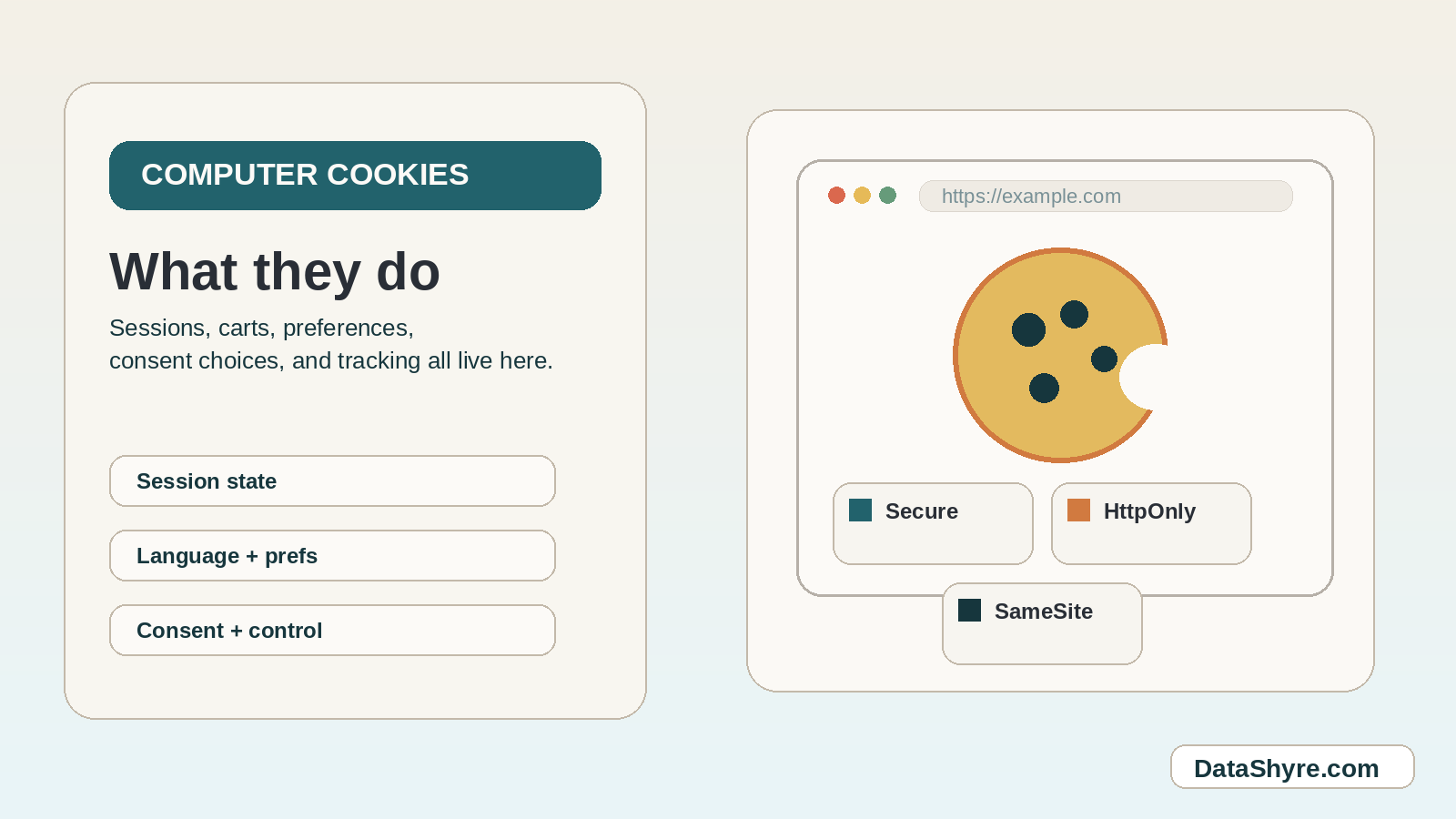
MDN’s current secure-cookie guidance still recommends using attributes such as Secure, HttpOnly, and SameSite to limit exposure and reduce attack surface.
In practical terms:
Securehelps ensure a cookie is sent only over HTTPS;HttpOnlyhelps prevent JavaScript from reading sensitive cookie values;SameSitehelps control whether a cookie is sent with cross-site requests; and- restrictive prefixes such as
Host-orSecure-can add extra guardrails in supporting browsers.
That does not make every computer cookies deployment safe by itself.
It does mean teams should stop treating cookie review as only a banner exercise.
If an authentication or account-state cookie is missing the right guardrails, the problem is technical as well as legal.

7. Review computer cookies in this order on a real site
If you were reviewing computer cookies this week, use this order:
- list the cookies and similar technologies that actually fire;
- classify each one by purpose and necessity;
- mark whether each one is first-party or third-party;
- check lifetime, recipient, and security flags;
- compare the runtime against the cookie notice or settings panel;
- test whether refusal and later withdrawal are easy to use; and
- clear stale cookies and repeat the test on a clean browser session.
That order usually catches the real issues faster than arguing over labels first.
And if the live site, the banner, and the written policy do not match, that is where DataShyre can help audit the cookie layer, map third-party behavior, and tighten the implementation so the controls become operational instead of decorative.
FAQ
Are computer cookies always bad?
No. Many computer cookies support normal website functions like sign-in continuity, carts, fraud prevention, language preferences, or security features. The real question is what each cookie does and whether the site handles it honestly and safely.
Does deleting computer cookies log me out?
Often yes. Deleting computer cookies commonly removes saved sessions, preferences, and some site settings, which is why it can fix problems and also create inconvenience.
Are computer cookies the same as tracking cookies?
No. Tracking cookies are a subset. Some computer cookies are necessary for site operation, while others support analytics, personalization, or advertising.
Bottom line
The best way to think about computer cookies in 2026 is not good versus bad.
It is:
what does this cookie do, how long does it last, who receives it, how is it secured, and can the user control it fairly?
Seen clearly, computer cookies is less about a pop-up and more about whether the site behaves honestly after the visitor makes a choice.
Sources
- MDN, Using HTTP cookies: https://developer.mozilla.org/en-US/docs/Web/HTTP/Guides/Cookies
- MDN, Secure cookie configuration: https://developer.mozilla.org/en-US/docs/Web/Security/Practical_implementation_guides/Cookies
- ICO, Guidance on the use of storage and access technologies: https://ico.org.uk/for-organisations/direct-marketing-and-privacy-and-electronic-communications/guidance-on-the-use-of-storage-and-access-technologies/
- European Commission, Legal grounds for processing data: https://commission.europa.eu/law/law-topic/data-protection/information-business-and-organisations/legal-grounds-processing-data_en
- CNIL, Questions-réponses sur les cookies et autres traceurs: https://cnil.fr/fr/cookies-et-autres-traceurs/regles/cookies/FAQ
- FTC Consumer Advice, How Websites and Apps Collect and Use Your Information: https://consumer.ftc.gov/articles/how-websites-and-apps-collect-and-use-your-information